
WordPress आज दुनिया का सबसे powerful CMS (Content Management System) है, aur agar aap online earning, blogging, affiliate marketing ya website designing me career banana chahte hain…
toh WordPress seekhna आपकी सबसे बड़ी investment है!
Main khud पिछले कई सालों से WordPress + Affiliate Marketing se paise कमा रहा हूँ, aur mujhe pata है कि beginners किन जगहों पर अटकते हैं, किन mistakes ki wajah se website rank nahi karti, aur किन tools से fast सीख सकते हैं।
Is WordPress Learning Guide for Beginner me main आपको वही practical cheezein sikhaane wala hoon jo main personally follow karta hoon aur jisse mere results aaye hain.
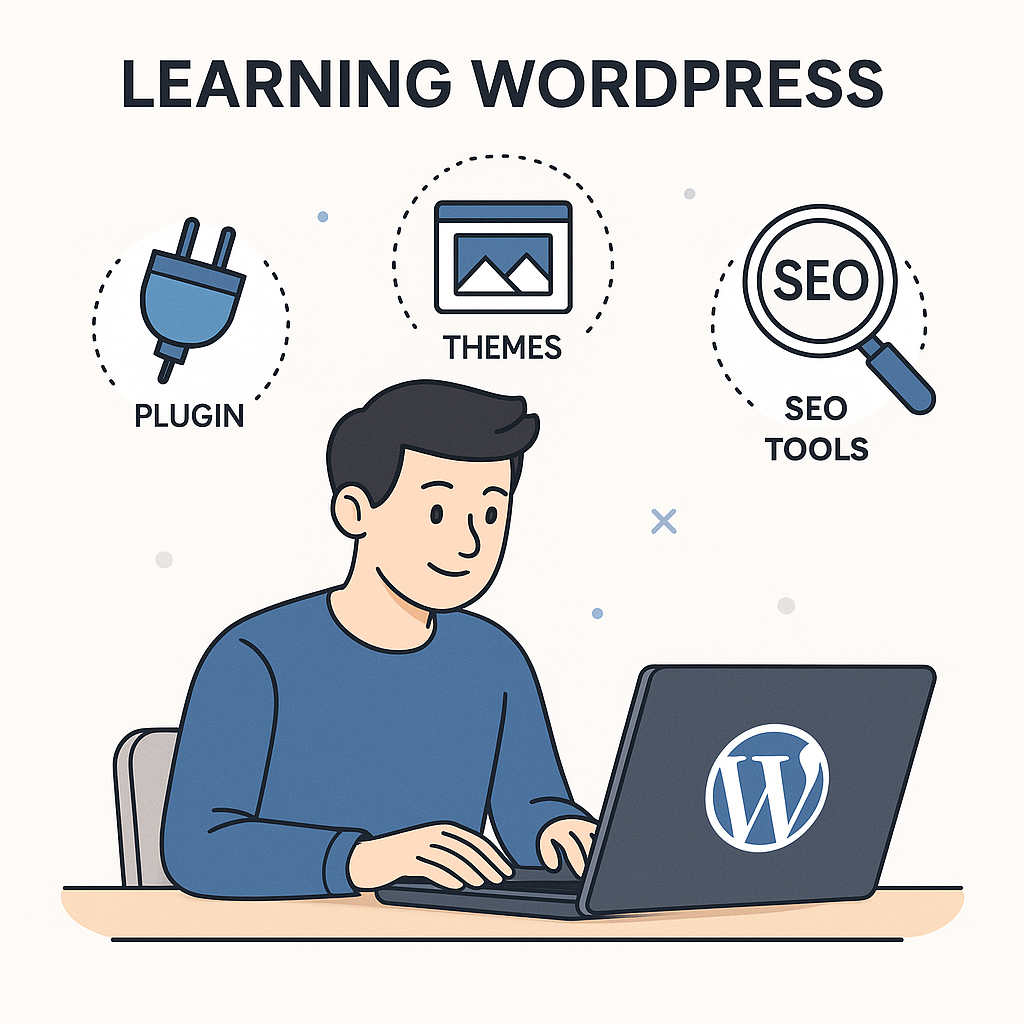
⭐ WordPress Kya Hai? (Simple Hinglish Explanation)
WordPress ek free platform hai jisse aap bina coding ke koi bhi website बना सकते हैं:
- Blog
- Business website
- Affiliate website
- Portfolio
- E-commerce store
- Landing pages
Agar aap beginner hain, WordPress aapko ek drag-and-drop freedom deta hai jisse aap bina HTML/CSS jaane professional site बना सकते
🔥 Why Every Beginner Should Learn WordPress? (Expert Affiliate Marketer’s View)
Main ne 2017 me jab affiliate marketing start ki थी, tab mujhe ek baat baad me samajh aayi:
👉 WordPress = Affiliate Marketing ka सबसे बड़ा weapon!
Yeh 5 reasons WordPress ko beginners ke liye perfect banate hain:
✔ 1. Google-friendly
SEO plugins + fast themes + structured content = quick ranking.
✔ 2. Customization without coding
Page builders jese Elementor se aap professional landing pages बना सकते हैं.
✔ 3. Control your income source
Social media ki tarah risk nahi, aapke पास अपनी website का पूरा control.
✔ 4. Plugins ki unlimited flexibility
Har problem ka ek plugin mil ही जाता है—forms, SEO, speed, security, ecommerce—sab.
✔ 5. Long-term earning
Agar aap affiliate marketer hain, WordPress ही सबसे stable earning बनाता hai—ads + affiliate + digital products.
💡 WordPress Learning Guide for Beginner: Step-by-Step
Ab main aapko बिलकुल beginner level se लेकर advanced तक ले jaaunga.
🧩 Step 1: Domain & Hosting Setup – Your Digital Address
Affiliate marketer experience se main ek baat bolunga:
👉 Achhi hosting = fast SEO + better ranking + secure website.
Beginners mostly cheapest hosting le lete hain…
par baad me website slow hone lagti hai aur earning zero ho jaati hai.
Recommended (Beginner Friendly):
- Hostinger (affordable + fast)
- Bluehost (WordPress recommended)
- SiteGround (premium speed)
Domain Name Tips
- Short rakhe
- Niche related
- Easy spelling
- Brandable
Example:BestTechGuru.com, HealthScope.in, SmartToolsHub.com
🧩 Step 2: WordPress Install — The Easiest Part
Hosting panel me jaye → Auto Installer → WordPress select kare → Install.
Aapka website live!
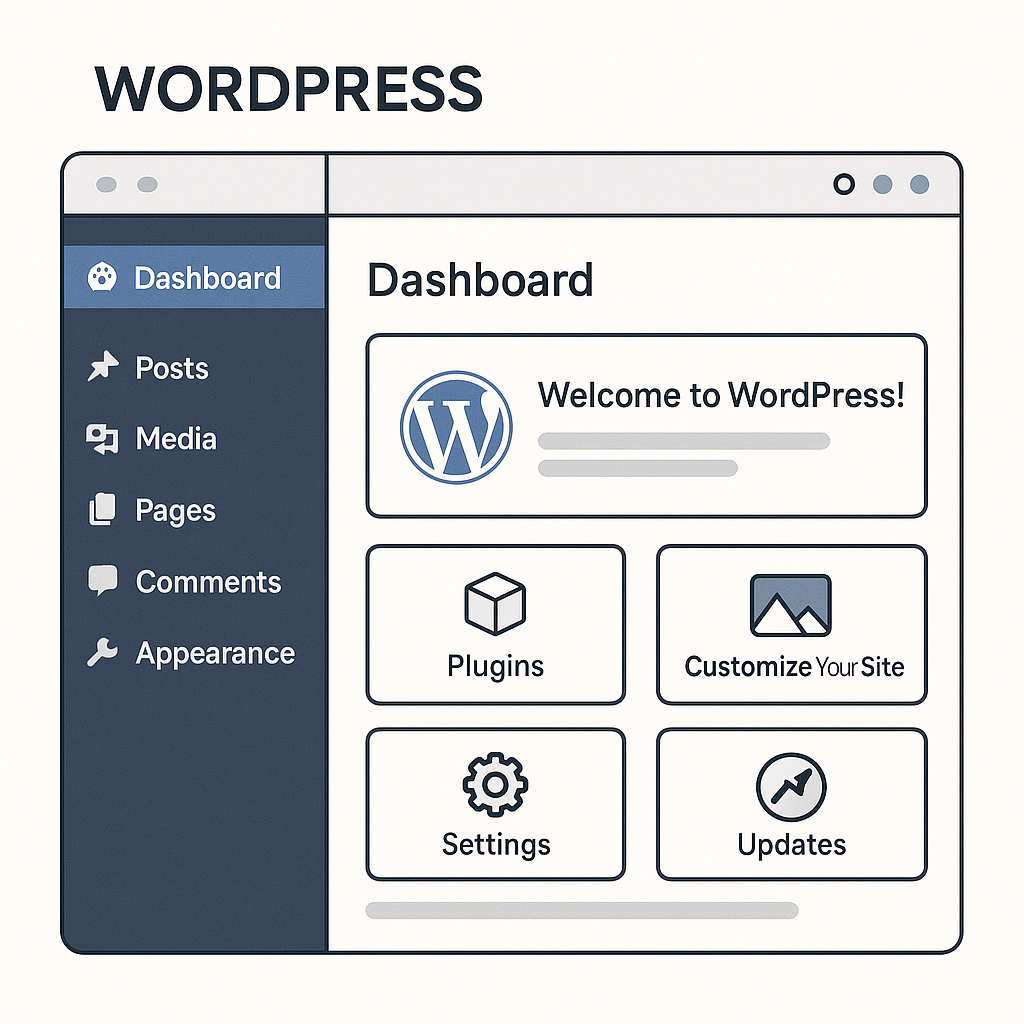
🧩 Step 3: WordPress Dashboard Ko Samajhna
Yeh वो जगह है jahan se aap website ko manage karte hain.
Important sections:
- Posts – blog content
- Pages – About, Contact, Home
- Appearance – Themes
- Plugins – Extra features
- Settings – Website control
🧩 Step 4: Best Themes for Beginners
Lightweight + SEO optimized theme choose kare:
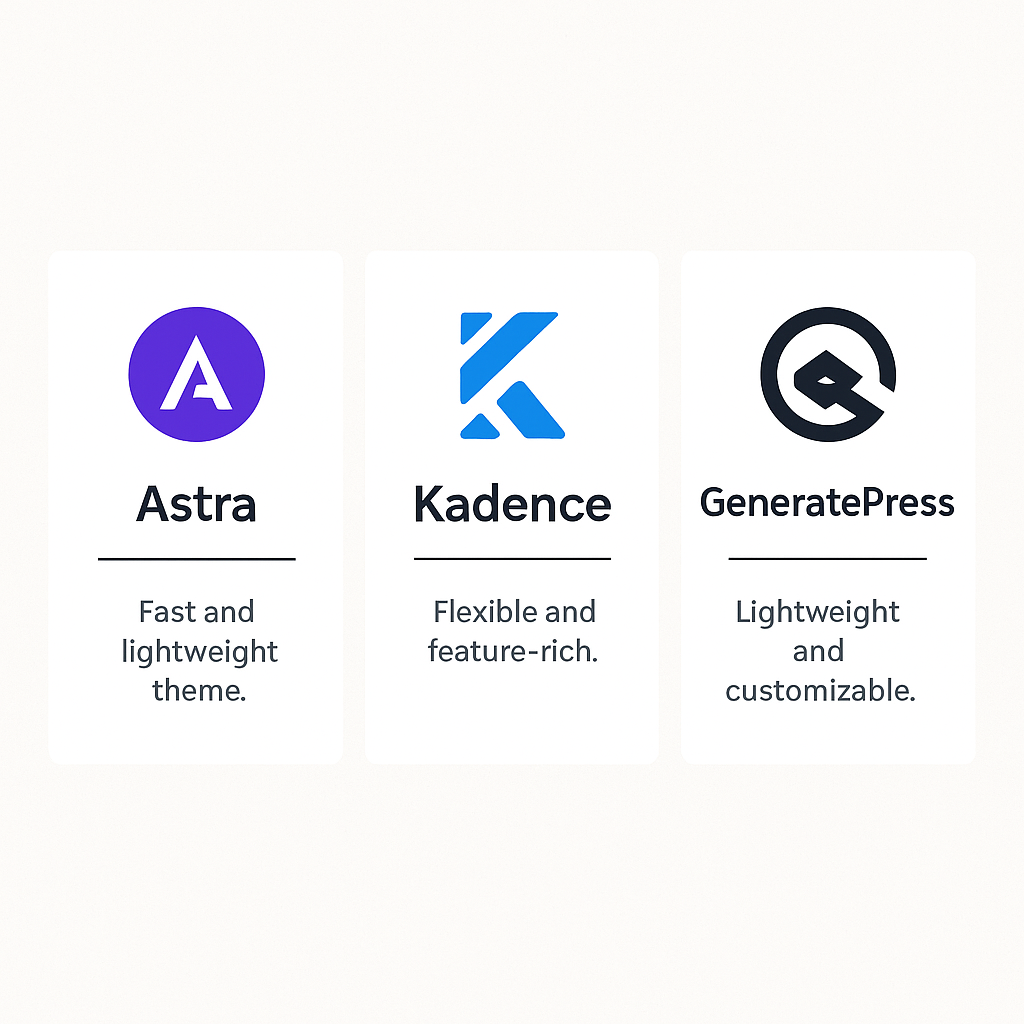
Recommended Themes (My personal experience):
- Astra (fast + easy)
- GeneratePress (super clean)
- Blocksy (modern)
- Kadence (beginners ke liye perfect)
Avoid heavy themes—website slow ho jaati hai.
🧩 Step 5: Must-Have Plugins (Affiliate Expert Recommendation)
Agar aap beginner ho, toh unnecessary plugins mat install karein.
Sirf yeh 7 plugins se आपकी website super professional ban jayegi:
✔ Rank Math – SEO plugin
✔ Elementor – For page designing
✔ WPForms – Contact form
✔ LiteSpeed Cache – Website speed
✔ UpdraftPlus – Backup
✔ Wordfence – Security
✔ ShortPixel – Image optimization
Affiliate website banani ho to:
✔ ThirstyAffiliates – Link management
(Main personally use karta hoon. Cloaked links CTR bada dete hain.)
🧩 Step 6: Create Your First Blog Post (SEO + Affiliate Tips)
Aap chahe kisi bhi niche me ho, content Google ke liye readable hona chahiye.
Blogging Structure:
- Strong heading
- SEO optimized keywords
- Short paragraphs
- Internal linking
- Affiliate links (but natural way)
- CTA (Call to Action)
My personal tip:
“Review articles + comparison articles” sabse jyada affiliate sales laate hain.
Example:
- Best Laptops Under 30,000
- Elementor vs Divi
- Best WordPress Hosting for Beginners
🧩 Step 7: Essential WordPress Skills Beginners Must Learn
Aapko expert banne ke liye yeh skills zaroor aani chahiye:
✔ Permalink setup
✔ Mobile responsiveness
✔ Speed optimization
✔ Proper image compression
✔ SEO fundamentals
✔ Basic on-page formatting
✔ Using category & tags
✔ Installing Google Analytics + Search Console
Yeh skills 90% WordPress users ko nahi aate… aur isi wajah se unki website rank nahi karti.
Agar aap yeh guide follow karte hain, aap competition se years ahead ho jayenge.
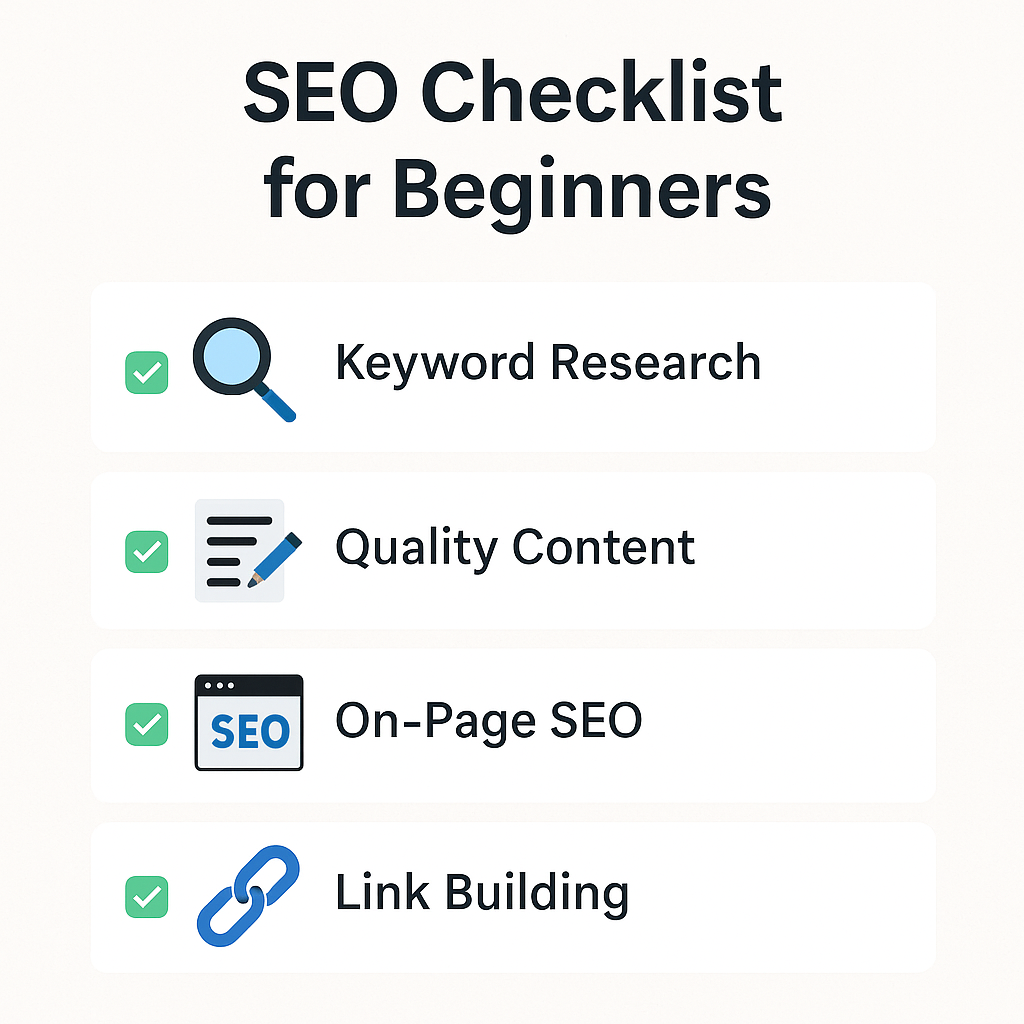
🚀 Affiliate Marketer’s Secret Tips to Grow with WordPress
Almost nobody tells these tips, but yeh meri personal earning ko 10X kar chuke hain:
🔥 Tip 1: Create comparison tables
People trust tables → More clicks → More sales.
🔥 Tip 2: Write content for “buyer intent keywords”
Example:
- “Best hosting for beginners”
- “Top budget smartphones review”
- “Best WordPress tools for bloggers”
🔥 Tip 3: Use CTA buttons
Buttons ⇒ Higher CTR ⇒ Higher sales.
🔥 Tip 4: Optimize old articles
Google fresh content ko prefer karta hai.
🔥 Tip 5: Make fast-loading website
Har second ke delay par sales drop hoti hai.
🎯 Who Should Learn WordPress?
- Students
- Bloggers
- Affiliate marketers
- Freelancers
- Business owners
- Coaches & trainers
- Local business service providers
Basically, jo bhi online earning ya online presence chahta hai—use WordPress zaroor seekhna chahiye.
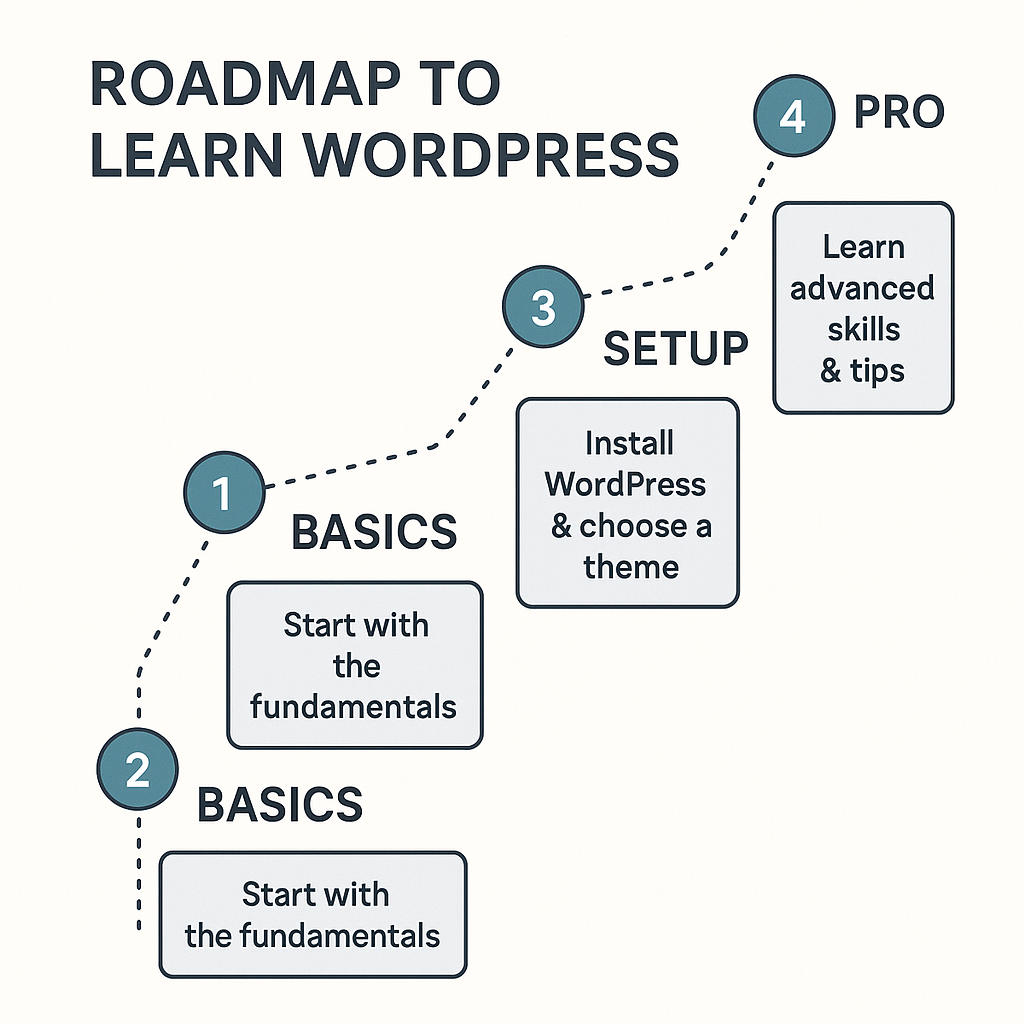
🧭 WordPress Learning Roadmap (Beginner → Pro)
Week 1:
Basics, dashboard, posts & pages.
Week 2:
Themes, plugins, Elementor.
Week 3:
SEO basics, speed optimization.
Week 4:
Affiliate website setup + monetization.
1–3 Months:
Your first earning!
Yes, it’s absolutely possible—agar aap consistent hai.
🙋♂️ FAQs – WordPress Learning Guide for Beginner
Q1. Kya coding knowledge WordPress seekhne ke liye zaroori hai?
Nahi! WordPress beginner-friendly hai. Aap bina coding ke professional website बना सकते हैं.
Q2. WordPress seekhne me kitna time lagega?
Agar aap 1–2 घंटे रोज़ practice करते हैं, to 15–20 दिनों में आप अच्छी वेबसाइट बना सकते हैं.
Q3. Kya WordPress free hai?
Yes, WordPress software free है. Aapko बस domain + hosting purchase करनी होती है.
Q4. Kya WordPress se affiliate earning possible hai?
Bilkul! Main khud last कई सालों से WordPress se affiliate income कमा रहा हूँ.
Q5. Kaunsa theme beginners ke liye best hai?
Astra, GeneratePress, Kadence—sab fast aur SEO friendly hain.
Q6. Hosting kaunsi leni chahiye?
Beginner ke liye Hostinger best value-for-money option hai.
🏁 Conclusion (Expert Advice)
Agar aap real online income chahte hain—
WordPress seekhna आपकी सबसे बड़ी और सबसे जरूरी skill है।
Chahe aap blogging karna chahte ho, affiliate marketing, freelance web designing, ya apne business ki online branding…
WordPress aapko 100% freedom + long-term earning ke opportunities deta hai.
Is WordPress Learning Guide for Beginner ko follow karte हुए aap easily ek professional level WordPress expert ban sakte ho—even bina coding ke!